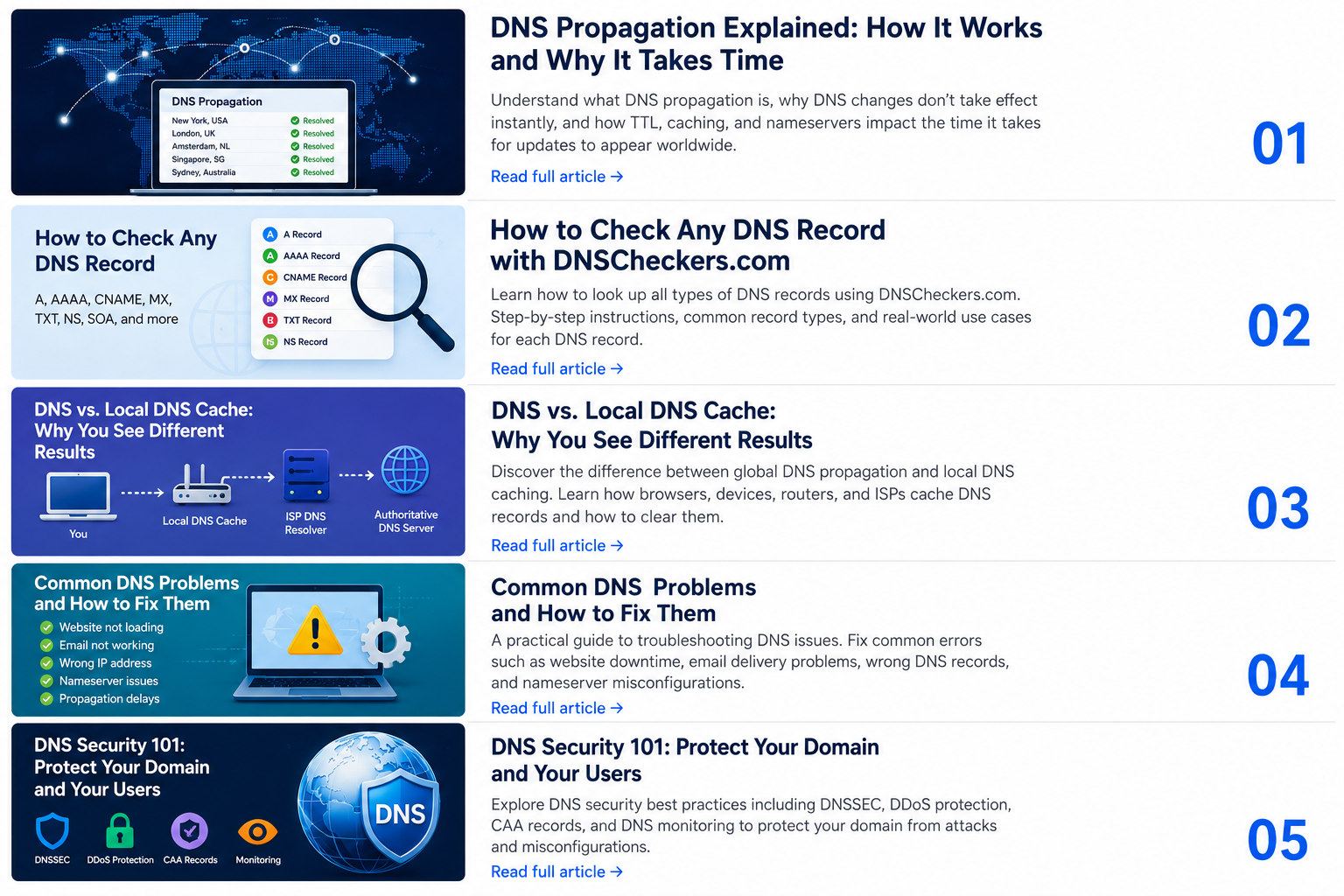
DNS Propagation Explained: How Long DNS Changes Take and How to Check Them
After changing a DNS record, you may expect the new value to become visible everywhere immediately. In practice, different users, networks, and DNS resolvers may continue receiving different results for a period of time. This process is commonly known as DNS propagation.
A global DNS propagation checker helps you compare DNS responses from multiple locations and determine whether your latest DNS change has become widely available.
Check DNS propagation worldwide with DNSCheckers.com.
What Is DNS Propagation?
DNS propagation describes the period during which updated DNS information gradually replaces previously cached information across recursive DNS resolvers.
When a user opens a website, the user's device normally asks a DNS resolver for the IP address associated with the domain. If the resolver already has a valid cached response, it may return that response without contacting the authoritative DNS server again.
This means that your authoritative DNS provider may already show the new record while some users still receive the previous value.
Why Do DNS Changes Take Time?
The main reason is DNS caching. Caching reduces lookup time and unnecessary DNS traffic, but it also means that old records may remain available until their cache lifetime ends.
DNS update time can be affected by:
- The previous TTL value
- The DNS resolver being used
- Internet service provider caching
- Local operating system or router caching
- The DNS record type
- Nameserver delegation changes
- Negative caching after an earlier failed lookup
- DNSSEC validation problems
What Is TTL in DNS?
TTL means Time to Live. It tells caching DNS resolvers how long a DNS record may normally be stored before it should be refreshed.
TTL values are expressed in seconds:
- 300 seconds: 5 minutes
- 1,800 seconds: 30 minutes
- 3,600 seconds: 1 hour
- 21,600 seconds: 6 hours
- 86,400 seconds: 24 hours
A low TTL can make planned DNS changes easier to roll out. However, lowering the TTL immediately before a change may not help resolvers that already cached the old record using the previous, higher TTL.
How Long Does DNS Propagation Take?
There is no single guaranteed propagation time. Some DNS updates may become visible within minutes, while other updates may require several hours.
Nameserver changes may take longer than ordinary A, CNAME, MX, or TXT record changes because they can involve the registrar, domain registry, parent zone, authoritative nameservers, and recursive DNS caches.
Do not assume that every DNS problem will fix itself after 24 or 48 hours. If every resolver continues showing an incorrect record, the DNS configuration may be wrong.
How to Check DNS Propagation
- Enter the domain or complete hostname.
- Select the DNS record type you changed.
- Start the lookup.
- Compare responses from multiple DNS servers.
- Confirm that the returned value matches your intended configuration.
For a website migration, check the A record, AAAA record, and www hostname. For an email migration, check MX and TXT records. For a DNS provider change, check NS records.
How to Interpret the Results
All Locations Show the New Value
The update is widely visible. You should still test the website, email service, API, or application that depends on the record.
Some Locations Show the Old Value
DNS caching is probably still active. Compare the TTL values and check again later.
All Locations Show the Old Value
You may have edited the wrong DNS zone, entered the wrong record name, or failed to publish the update on the authoritative nameservers.
No Record Is Returned
The record may be missing, the hostname may be incorrect, or a previous NXDOMAIN response may still be cached.
Common DNS Propagation Mistakes
- Editing records at an inactive DNS provider
- Checking the root domain instead of the affected subdomain
- Changing an A record while an old AAAA record remains active
- Using the wrong record type
- Entering a complete domain name into a panel that automatically adds the zone name
- Removing the old server before cached traffic has stopped
- Changing nameservers without copying all required records
How to Reduce Downtime During a DNS Change
- Document the current DNS zone.
- Lower the TTL before the planned migration.
- Wait for the previous TTL period to pass.
- Prepare and test the new server.
- Update the required DNS records.
- Keep the old service online during the transition.
- Monitor propagation from multiple locations.
- Increase the TTL after confirming stability.
Frequently Asked Questions
Can I force DNS propagation?
No. You can update authoritative DNS records and clear caches under your control, but you cannot force every third-party resolver to refresh immediately.
Does clearing my browser cache update DNS?
Not always. DNS may also be cached by your operating system, router, firewall, company DNS server, ISP, or public resolver.
Why does the website work on mobile data but not Wi-Fi?
The two connections may use different DNS resolvers. One resolver may have the updated record while the other still has cached information.
Conclusion
DNS propagation is mainly a caching and resolver consistency issue. The most reliable way to evaluate an update is to check the exact hostname and record type from multiple DNS locations.
Use the DNSCheckers.com global DNS propagation checker to compare worldwide DNS responses and confirm whether your latest DNS changes are resolving correctly.
